Aus freigegebenen Raumfotos wird ein Immobilienvideo
Laden Sie gestylte Raumfotos in der richtigen Reihenfolge hoch und erstellen Sie einen ruhigen Rundgang, ohne die Räume erneut zu stylen.
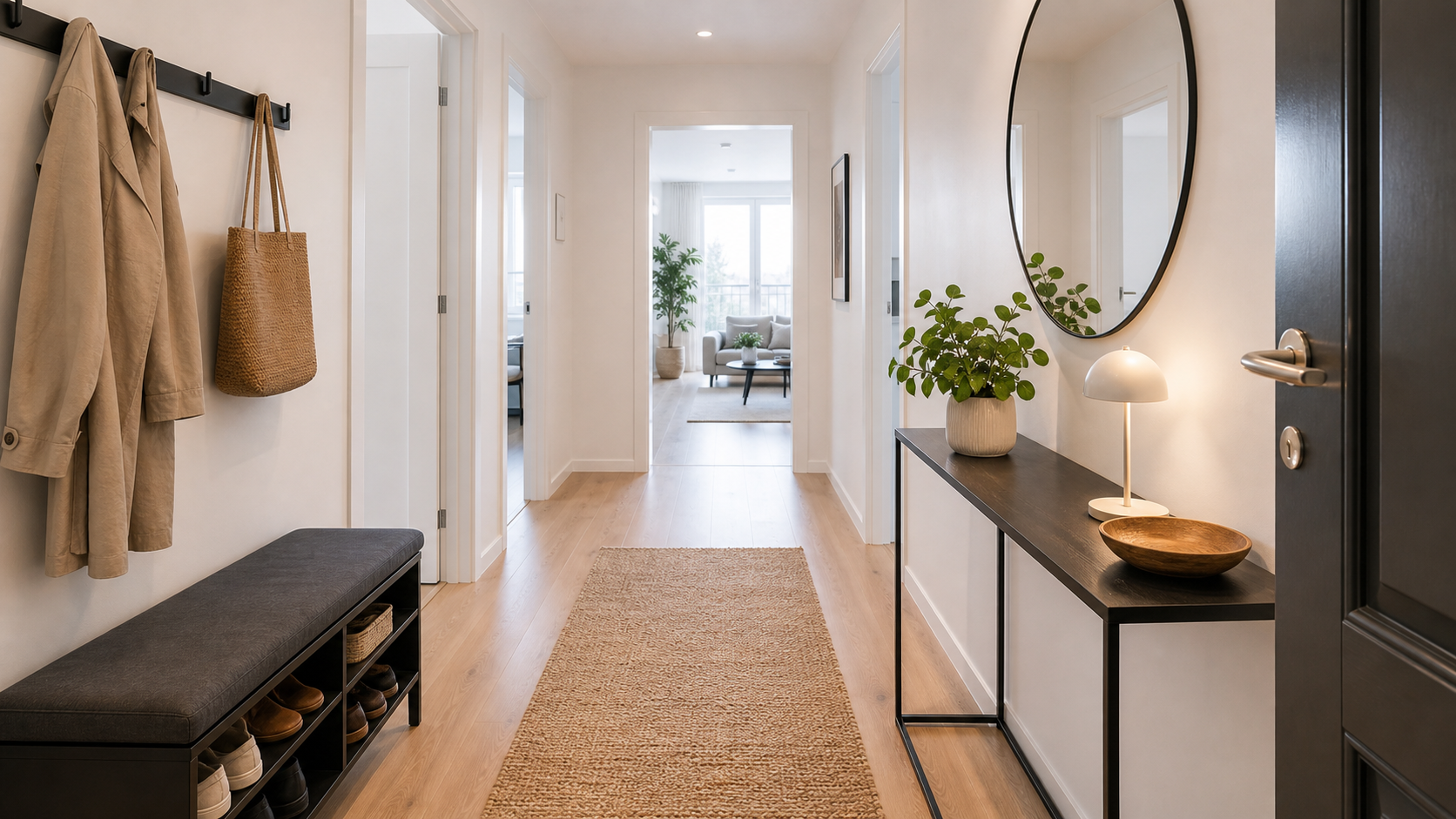
Freigegebene Räume bleiben erhalten
Der Video-Flow animiert fertige Bilder, damit Möbel, Layout und Materialien gleich bleiben.
Story kontrollieren
Ziehen Sie Fotos in die richtige Reihenfolge und wählen Sie die Logo-Platzierung.
In der Bibliothek
Fertige Rundgänge liegen mit Ihren Fotos in Ordnern und Kampagnen bereit.
A listing video should make the property feel connected
Single room photos are useful, but they do not always explain how the home flows. A walkthrough connects the rooms and gives buyers, tenants, stakeholders, or investors a faster sense of the whole property.
More context
Show the relationship between entrance, living room, kitchen, bedrooms, and office without filming on-site.
Better ad assets
Short videos work well for social ads, landing pages, email, and investor updates.
Less risk
Because the video starts from approved photos, you avoid changing furniture after the team has already accepted the visuals.
Turn your room photos into an inviting property video
Use the room photos you have already created, place them in the right order, and create a short walkthrough that feels like a guided viewing.
Use the images you have already created via Studio to build a short, inviting walkthrough.
Fertige Bilder werden animiert, ohne Möbel oder Materialien zu verändern.
Fügen Sie Ihr Logo in einer Ecke oder als Start-/Endscreen hinzu.
A video workflow built for real estate teams
The value is not just the clip. It is the ability to turn approved room photos into reusable video assets with order, branding, library storage, and team access.
For listing launches
Create a short walkthrough when a property goes live and reuse it across landing pages, portals, and social channels.
For rental portfolios
Turn apartment-type photos into consistent video assets without booking a new shoot for every vacant unit.
For sales teams
Send a more complete property story to leads before they book a viewing.
For marketing teams
Keep photos and videos in the same library, sorted by folders, quality, and campaign use.
Create a visual property walkthrough quickly and simply
Räume wählen
Nutzen Sie Bibliotheksfotos oder laden Sie fertige Raumfotos hoch.
Flow sortieren
Ziehen Sie die Räume in die gewünschte Reihenfolge.
Branding hinzufügen
Platzieren Sie Ihr Logo in einer Ecke oder auf Start-/Endscreen.
Questions teams ask before creating walkthroughs
Does the video restyle the rooms?
No. The walkthrough flow is designed to animate approved photos, not change furniture, floor plans, walls, or materials.
Can we choose the order?
Yes. You can drag uploaded or library photos into the exact sequence before generation.
Can we add our own logo?
Yes. Use logo placement in a corner or as start/end-screen branding.
Where are the videos stored?
Finished walkthroughs are stored in the library alongside your photos, so they can be organized and reused.
Turn a set of room photos into something people can watch.
Use approved images, keep the rooms intact, add your brand, and create a walkthrough that fits listing pages and campaigns.