Turn empty rooms into furnished photos people understand instantly
RoomStack helps property teams move from empty, hard-to-read rooms to believable listing visuals with furniture, scale, light, and layout that make the home easier to imagine.
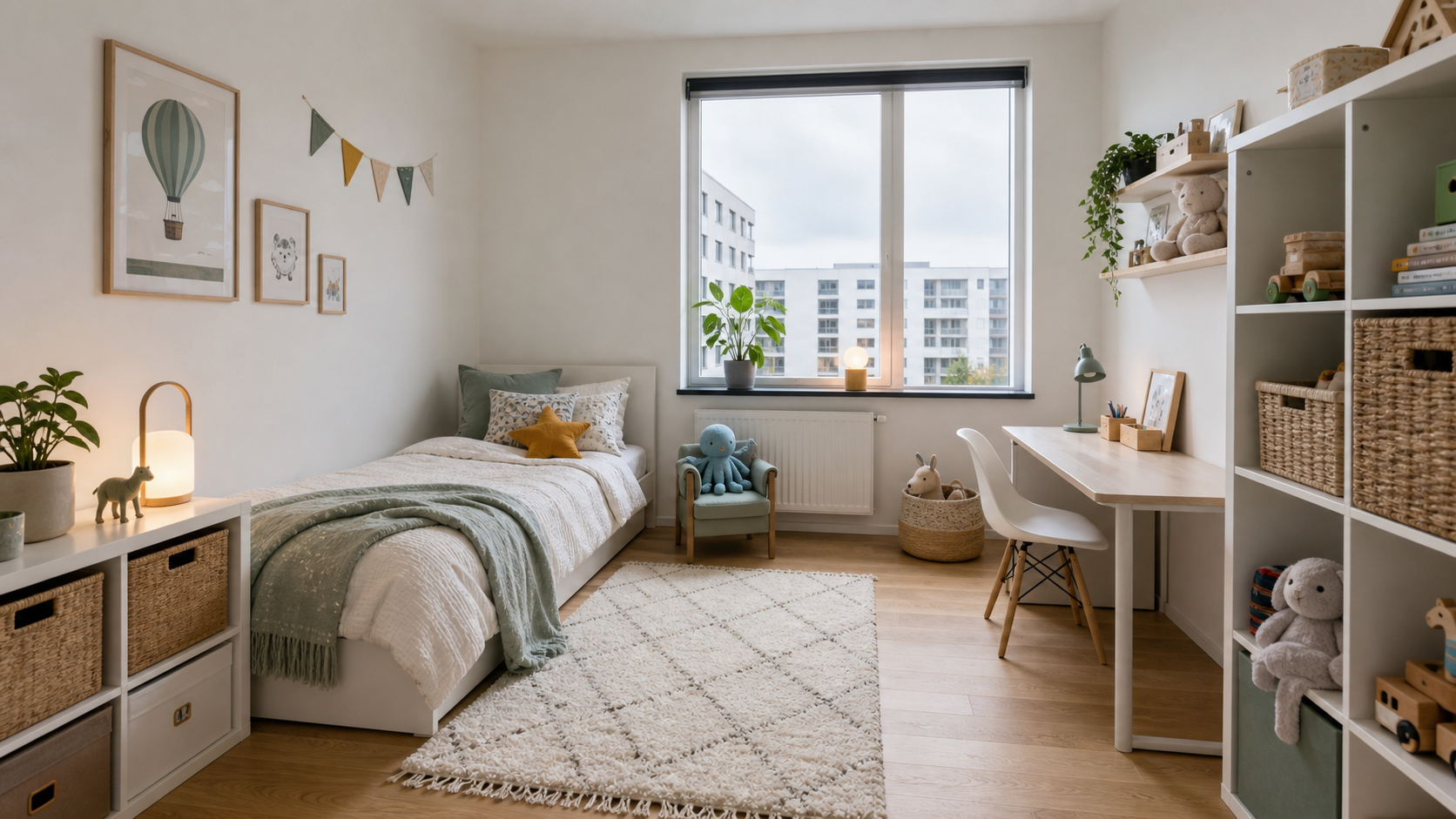
Keep the room believable
Choose how strictly the original room should be preserved, so walls, windows, floors, and layout do not drift away from the real property.
Design with furniture
Select references, colors, room size, scale, and required furniture, so the final photo looks intentional instead of randomly decorated.
Built for teams
Uploads, generated versions, edits, folders, ratings, presets, and references stay together in one workspace library.
A furnished photo answers the questions an empty room leaves open
Buyers and tenants rarely struggle because the room is bad. They struggle because the photo does not tell them what the room can become. The goal is not to fake the property. The goal is to make the actual room easier to understand.
Scale
Furniture gives a real sense of size, especially in new-build rooms and small bedrooms.
Use
A room becomes easier to compare when it clearly shows whether it works as living room, office, bedroom, or dining area.
Emotion
Soft light, textiles, plants, and believable furniture make the listing easier to remember.
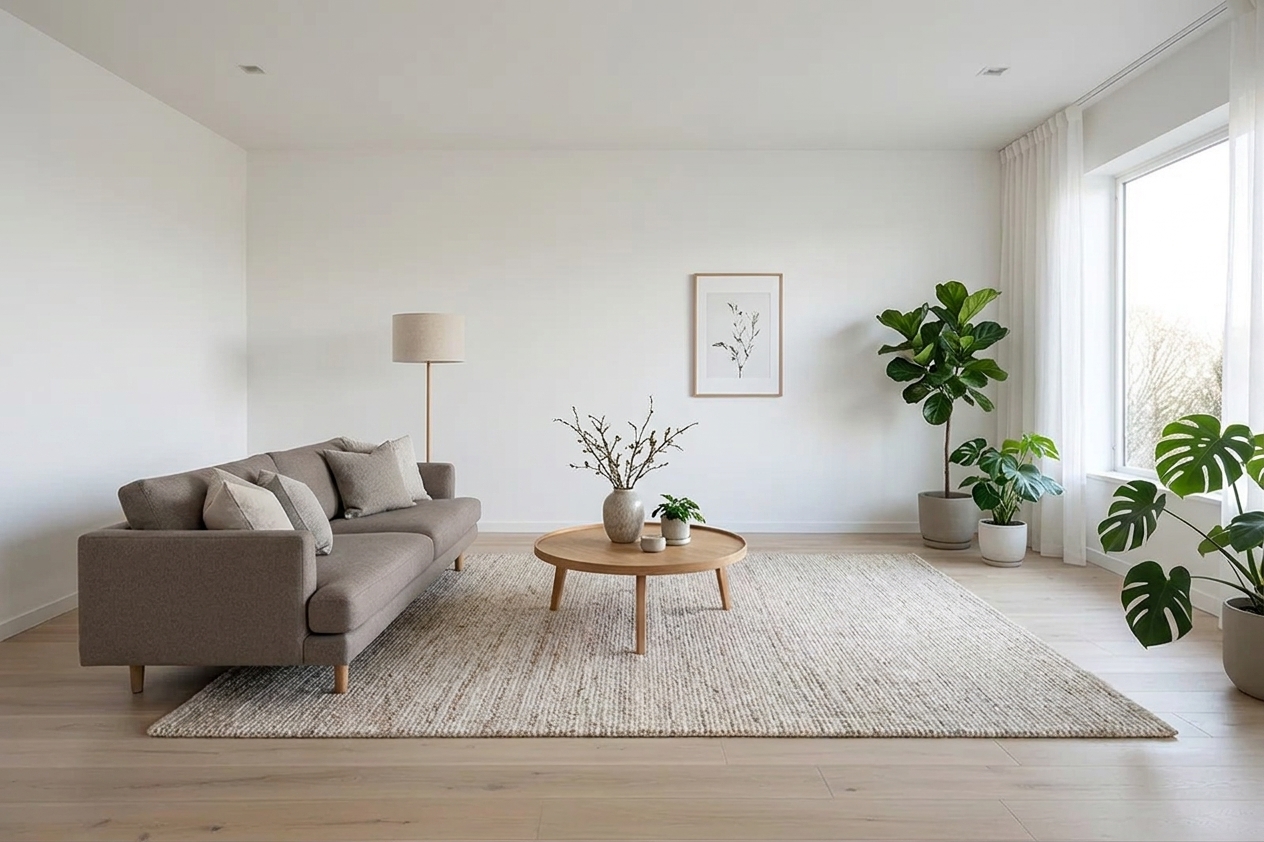
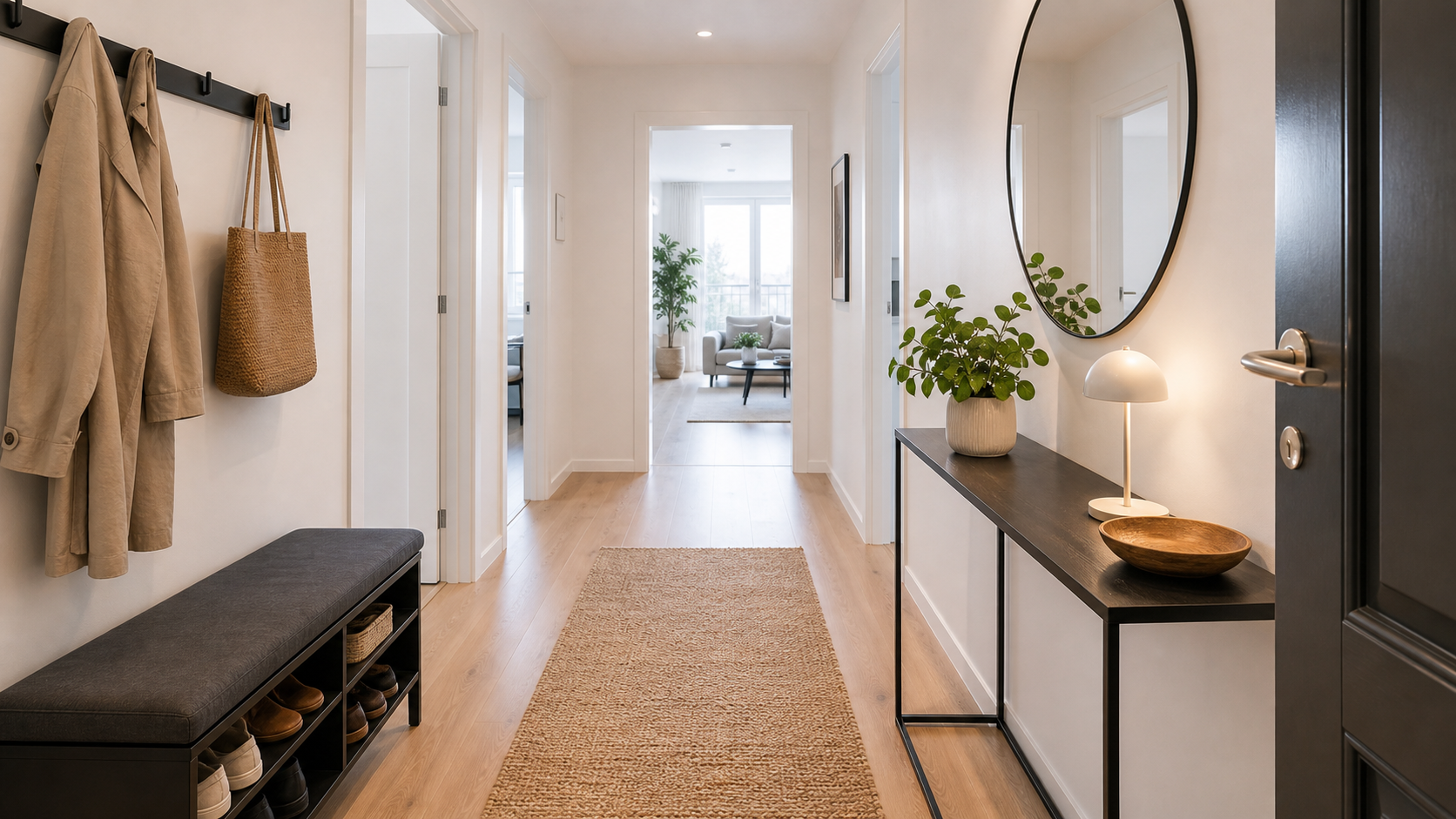
A tailored setup for your workflow
Some teams only need to style a few rooms. Others need a repeatable setup for many units and recurring campaigns. That is why RoomStack includes both a hands-on Studio and an API.
Explore API docsStudio
Upload, choose settings, review variants, and keep the best results in your library.
Furniture references
Guide the generation with specific sofas, chairs, colors, or design directions.
API
Connect generation to your CRM, listing platform, or internal property workflow.
Made for the messy reality of property marketing
The product is built around the workflow after the image is generated: teams, approvals, folders, edits, reference furniture, presets, and API access.
For brokers
Create stronger first impressions before viewings, especially for empty homes where the listing needs to sell potential.
For rental companies
Keep apartment types visually consistent and reduce the gap between a vacant unit and a publishable listing.
For property platforms
Use the API to place generation inside existing listing, CRM, or self-service workflows.
For recurring campaigns
Save presets and furniture references so repeated listings keep the same visual direction.
Start from a broker photo, phone photo, or empty new-build room. RoomStack stores the original, so before and after stays connected.
Choose room type, style, room size, furniture references, fidelity, variants, and output size before the job is queued.
Save the strongest versions, rate them, edit them, move them to folders, or reuse them as visual references for future listings.
Questions teams ask before using AI staging
Can we keep the real room unchanged?
Yes. The fidelity setting tells the generation how strictly the room must be preserved. Strict mode is built for listing photos where the property must stay accurate.
Can we choose furniture ourselves?
Yes. You can upload reference furniture or select approved catalog furniture, including color variants where available.
Can we generate many rooms?
Yes. Studio works for manual creation, batch handles apartments, and the API is available for higher-volume workflows.
Where do generated photos go?
They are saved in the workspace library with the original source image, settings, ratings, folders, and edit history.
Make the empty room easier to understand before the first viewing.
Start with one room, compare a few variants, and keep the strongest direction as a reusable preset for the rest of the property.